
Securing your Magento 2 store is critical for protecting sensitive customer data, maintaining trust, and ensuring compliance with industry standards. Cyberattacks targeting eCommerce platforms are increasing, and Magento stores are prime targets due to their popularity. Following Magento security best practices helps developers build secure, robust, and scalable stores.
“Security is not an option—it’s the foundation of trust and the backbone of every successful eCommerce store.”
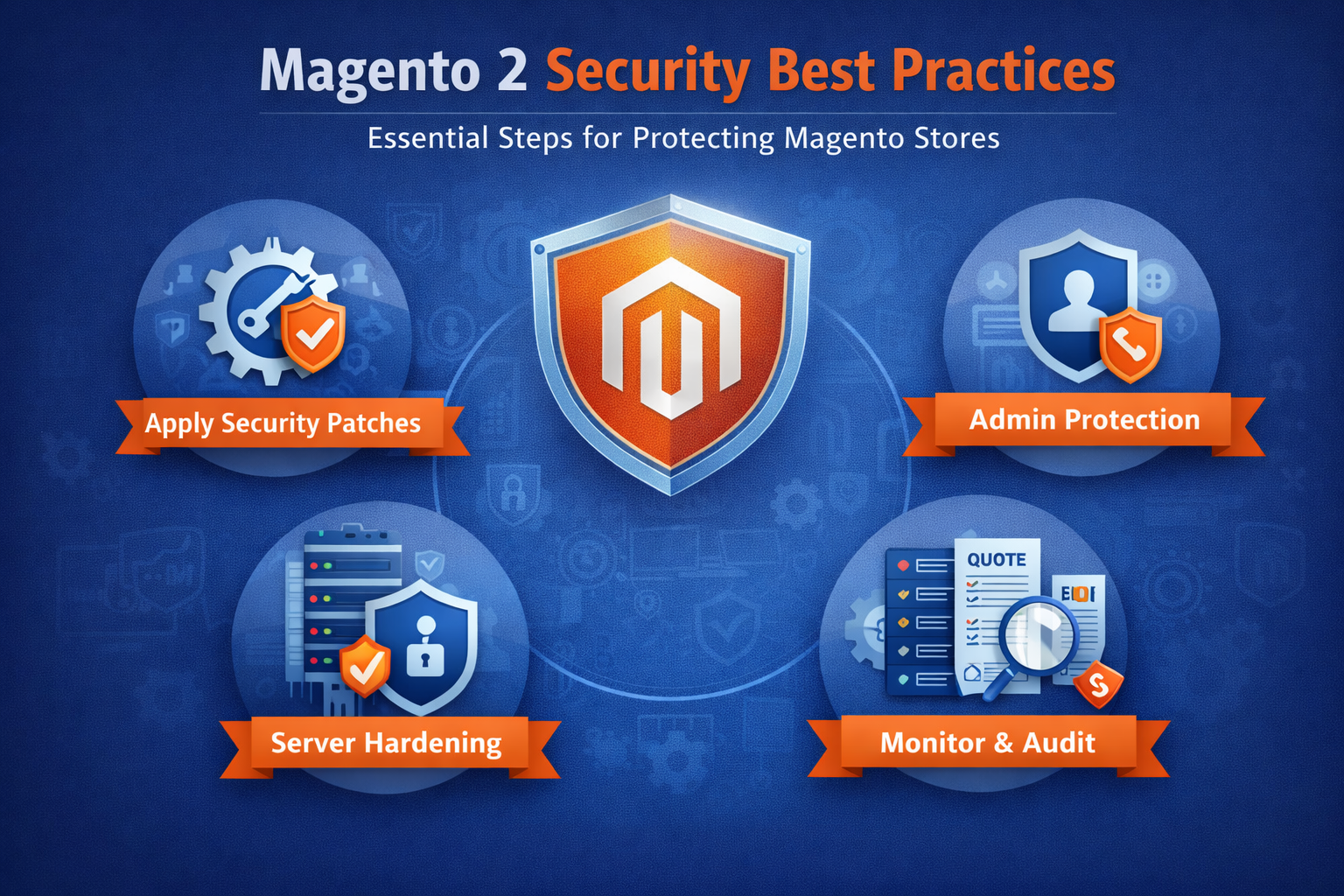
This guide covers key strategies for developers to secure Magento 2 environments, including security patches, admin protection, and server hardening.
1. Apply Security Patches Promptly
Magento regularly releases security patches to address vulnerabilities. Failing to apply them can expose stores to attacks such as SQL injection, XSS, and admin account compromise.
Best Practices:
-
Subscribe to Magento Security Bulletins
-
Test patches in a staging environment before production
-
Automate patch deployment where possible
-
Keep third-party extensions up-to-date
Benefits:
-
Reduces risk of known exploits
-
Ensures compliance with PCI DSS and other standards
-
Maintains customer trust
2. Protect the Admin Panel
The Magento admin panel is a prime target for attackers. Securing it is essential.
Best Practices:
-
Use strong, unique admin usernames and passwords
-
Enable two-factor authentication (2FA)
-
Restrict access by IP for the admin area
-
Change the default admin URL to a custom path
Additional Tips:
-
Monitor login attempts for suspicious activity
-
Limit admin account privileges to necessary roles only
Outcome: Enhanced protection against unauthorized access and brute force attacks.
3. Server Hardening
Magento stores require a secure hosting environment. Server hardening minimizes vulnerabilities and improves overall store security.
Key Measures:
-
Disable unnecessary services and ports
-
Use HTTPS with a valid SSL certificate
-
Configure proper file permissions (e.g., 644 for files, 755 for directories)
-
Install firewall and intrusion detection systems
-
Regularly update server software and PHP versions
Benefits:
-
Reduces the attack surface
-
Enhances compliance with security standards
-
Supports stable and reliable performance
4. Secure Third-Party Extensions
Extensions can introduce vulnerabilities if not properly vetted.
Recommendations:
-
Only install extensions from trusted sources
-
Keep all extensions updated
-
Regularly review extension permissions and code quality
This reduces the risk of hidden backdoors and security gaps.
5. Implement Regular Backups
Backups are a critical safety net in case of a security incident.
Best Practices:
-
Automate daily backups of database and files
-
Store backups off-site or in a secure cloud location
-
Test restoration processes regularly
Outcome: Rapid recovery from data loss, ransomware, or accidental changes.
6. Continuous Monitoring and Auditing
Monitoring for anomalies and auditing logs can help identify threats before they escalate.
Recommended Practices:
-
Monitor admin and server logs for suspicious activity
-
Use Magento security scanning tools
-
Conduct periodic security audits
Proactive monitoring ensures long-term Magento store security.
Conclusion
Following Magento security best practices is essential for developers managing eCommerce stores. By applying security patches, protecting the admin panel, hardening servers, securing extensions, and monitoring continuously, you reduce risks, protect sensitive data, and build trust with customers.
“A secure Magento store protects your customers, your brand, and your bottom line.”
Implementing a Magento security checklist ensures your store is resilient, compliant, and prepared for evolving cyber threats.